
Use Case · home + hardware · quality-of-life automation
OpenClaw Air Purifier Automation: Winix Control with Safety Rules
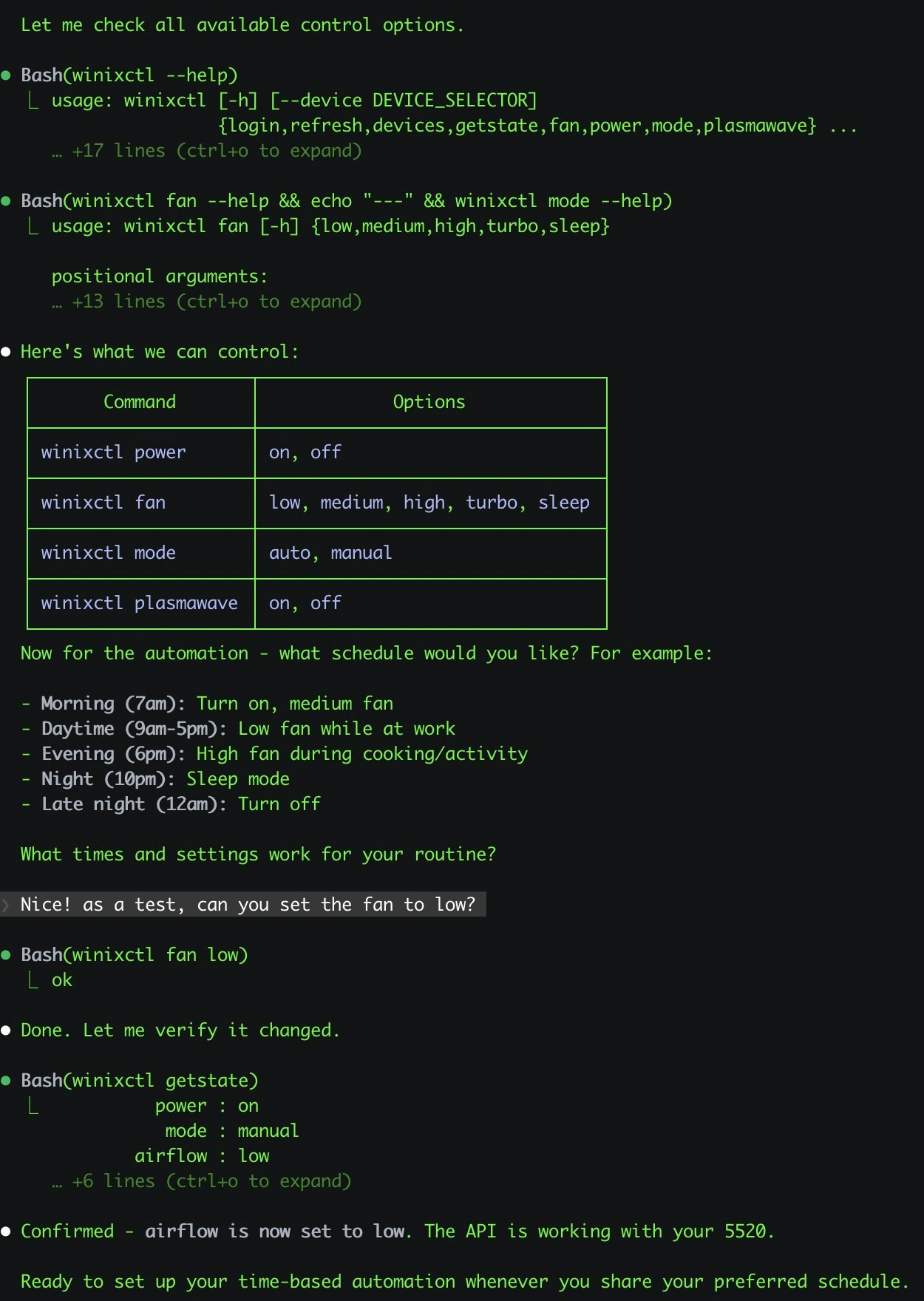
Instead of manually toggling purifier settings, OpenClaw can watch your air-quality conditions and run predefined actions so your room stays healthy with less manual effort.
Last updated: 2026-03-08 · Language: English
0) TL;DR (3-minute launch)
- Air quality changes quickly while humans forget to intervene.
- Workflow in short: Input → Process → Output.
- Start fast: Define 2-3 fixed modes only (e.g., Auto, Turbo, Sleep).
- Guardrail: Always define quiet-hour constraints.
1) What problem this solves
Air quality changes quickly while humans forget to intervene. This workflow automates routine purifier actions: boost when needed, quiet mode at night, and status checks with notifications.
2) Best-fit scenarios
- Home office users spending long hours indoors
- Families wanting automatic PM response and quieter night operation
- Makers who prefer chat-based control over vendor apps
3) Workflow map
1
Input
Air quality readings (or schedule) + room policy (day/night behavior).
2
Process
OpenClaw decides mode changes based on thresholds and timing constraints.
3
Output
Purifier mode updates + optional Telegram status messages.
4) MVP setup
- Define 2-3 fixed modes only (e.g., Auto, Turbo, Sleep)
- Set clear thresholds and cooldown windows
- Add hard limits (e.g., no Turbo after 23:00)
- Log every action to audit unexpected behavior
5) Prompt template
Manage my air purifier with these rules:
- If air quality is poor, switch to Turbo for 20 minutes
- If air quality is moderate, use Auto
- Between 23:00 and 07:00, only use Sleep mode
- Send me a Telegram summary when mode changes
- Never switch modes more than once every 10 minutes
6) Cost and impact
Cost
Low setup complexity once device control path is working.
Impact
Better indoor comfort, less manual device management.
Ops
Mostly stable; occasional maintenance after firmware/API changes.
7) Risk boundaries
- Always define quiet-hour constraints
- Use conservative mode-switch frequency
- Keep manual override available
8) Related use cases
Source links
- OpenClaw Showcase
- Awesome OpenClaw Use Cases — Showcase-first (no dedicated Awesome entry)
- Winix control source post